> For the complete documentation index, see [llms.txt](https://docs.aftermath.finance/llms.txt). Markdown versions of documentation pages are available by appending `.md` to page URLs; this page is available as [Markdown](https://docs.aftermath.finance/gamefi/nft-amm/tutorials/sell.md).
# Sell
Sell NFTs or Fractional NFT Coins to the AMM
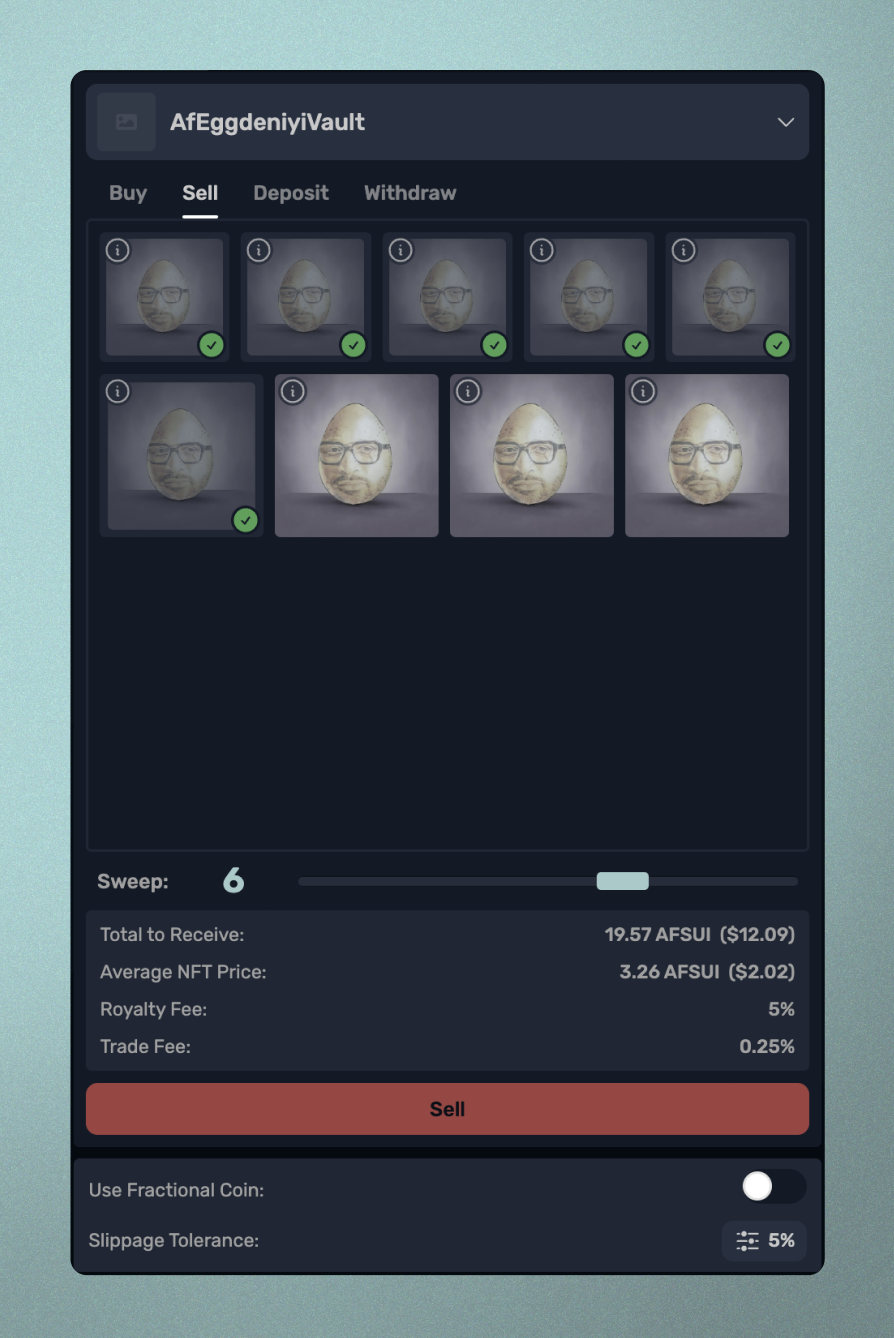
Click on the Sell tab, and you will see all of the NFTs you own for the collection belonging to the selected NFT AMM pool. Click on the number of NFTs you would like to sell, or use the Sweep slider to enter the desired number. You will see the Total to Recieve and Average NFT Price for various amounts of NFTs sold to the AMM. Click Sell to complete the transaction.
Sell NFTs to the AMM
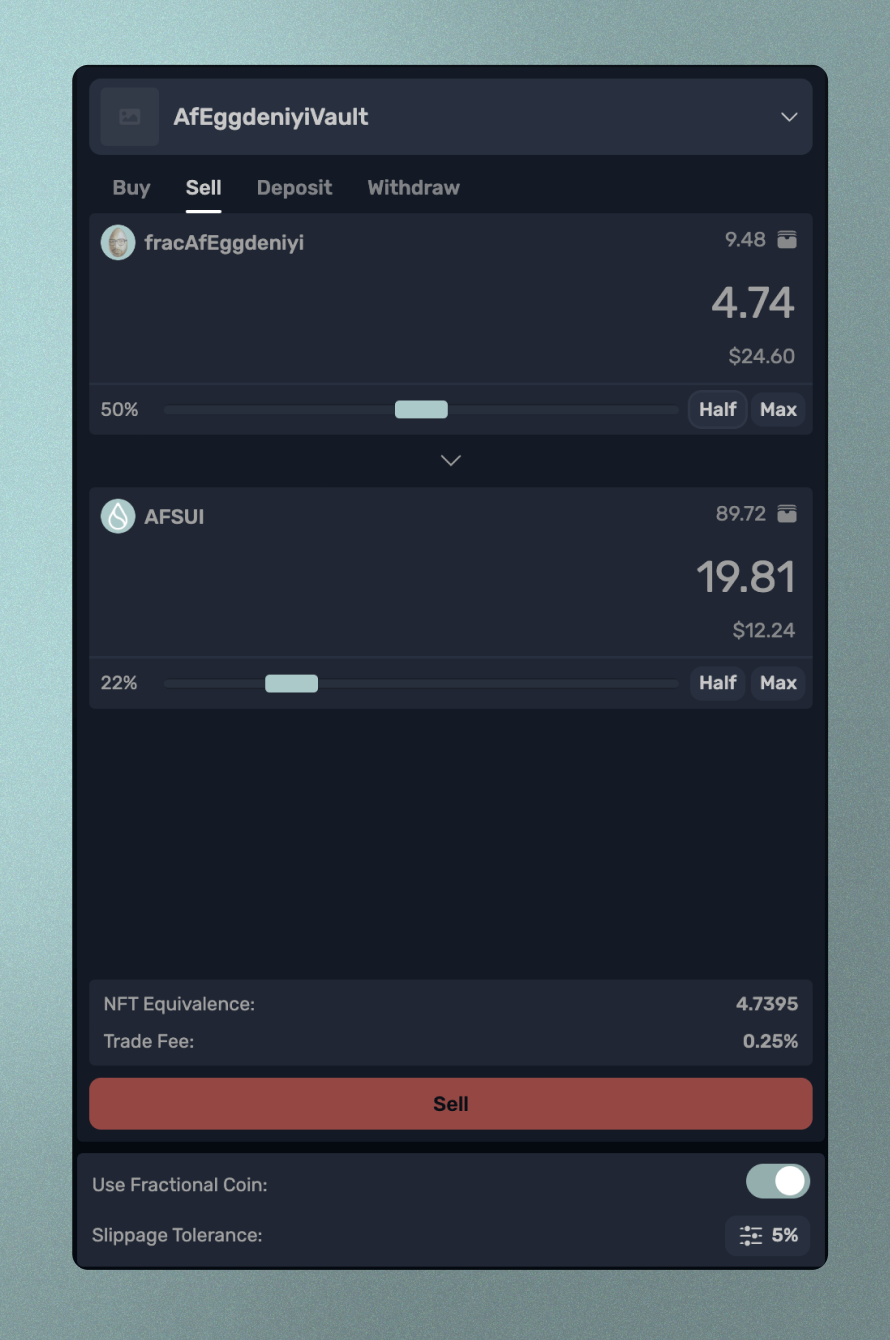
To sell Fractional NFT Coins, use the slider below the Sell button to select that option. You will now see a standard AMM swap interface where you can enter an amount of Fractional NFT Coins to swap for afSUI.