> For the complete documentation index, see [llms.txt](https://docs.aftermath.finance/llms.txt). Markdown versions of documentation pages are available by appending `.md` to page URLs; this page is available as [Markdown](https://docs.aftermath.finance/getting-started/creating-a-sui-account-with-zklogin/zklogin.md).
# zkLogin
zkLogin makes onboarding to Sui a breeze
If you are new to the Sui ecosystem and do not yet have a Sui wallet, a new [Sui-native primitive called zkLogin](https://sui.io/zklogin) makes it incredibly simple to set up a new account. No longer is it necessary to write down a seed phrase, all you need is an exisiting Web2 credential such as Google or Twitch to create a new wallet. This is made possible through the magic of Zero Knowledge Proofs, which confirm the the user is the account owner without exposing any of their information on-chain.
Login / Connect button in navigation bar
To get started, launch the [Aftermath dApp](https://aftermath.finance/) and click the Login / Connect button on the right side of the navigation bar at the top of the screen. Once you click Login / Connect, the wallet connect modal will appear.
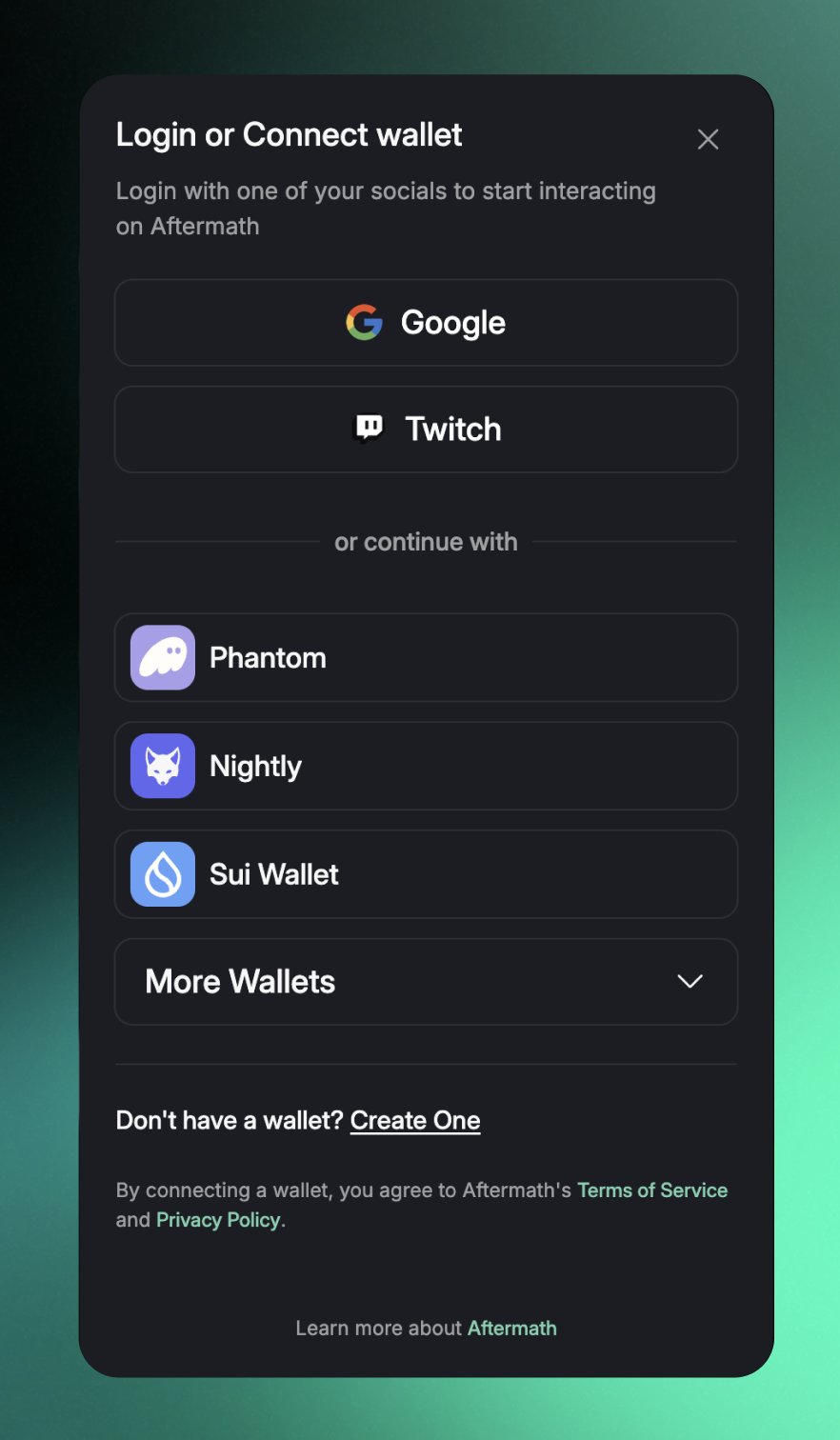
Wallet connect modal
At the top of the menu, you will see icons for Google and Twitch. Clicking on these icons will allow you to create a new Sui wallet to use on Aftermath using your already-existing credentials for either Google or Twitch.
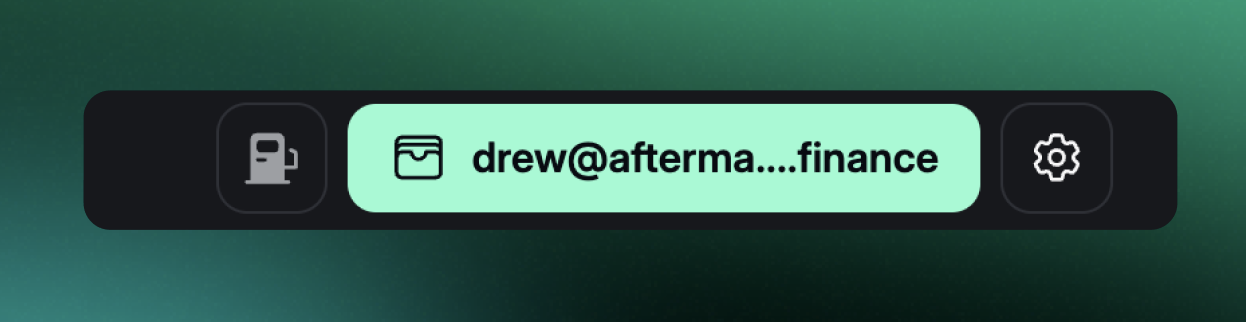
If you are not already signed in to your Google or Twitch account, you will be prompted to do so before continuing. Signing in will automatically bring you back to Aftermath, where you will see a *Completing login...* message briefly appear. Once zkLogin has created your new wallet, you will see your Sui address displayed where the Connect / Login button previously appeared. Google or Twitch will appear at the top of the wallet dropdown to remind you of which credential you are currently signed in with.
Wallet dropdown displaying Sui address and zkLogin credential used
You are now set up to begin interacting with Aftermath. The final step is to fund your new wallet, which you can do by clicking the clipboard icon next to your Sui address (begins with 0x). You can transfer funds to your new wallet [via bridge,](/getting-started/navigating-aftermath/bridge.md) from another Sui wallet, or from a centralized exchange which supports the Sui network.