> For the complete documentation index, see [llms.txt](https://docs.aftermath.finance/llms.txt). Markdown versions of documentation pages are available by appending `.md` to page URLs; this page is available as [Markdown](https://docs.aftermath.finance/perpetuals/tutorials/creating-an-account.md).
# Creating an Account
After navigating to the perpetuals trading page, click the Login/Connect button. Once connected, click the Create Account button at the top left of the screen and approve the transaction in your wallet. To fund the account on mainnet, click Deposit in the trade modal and deposit native USDC already held in your wallet.
Accounts modal
Now that you have created and funded your account, click the Account button at the top left of your screen. This will bring up the Accounts modal, where you can quickly monitor the status of your account(s), as well as perform several actions. You can rename your accounts, and clicking the arrow to the right will show you at-a-glance your number of open positions, Total Margin, and Unrealized PnL.
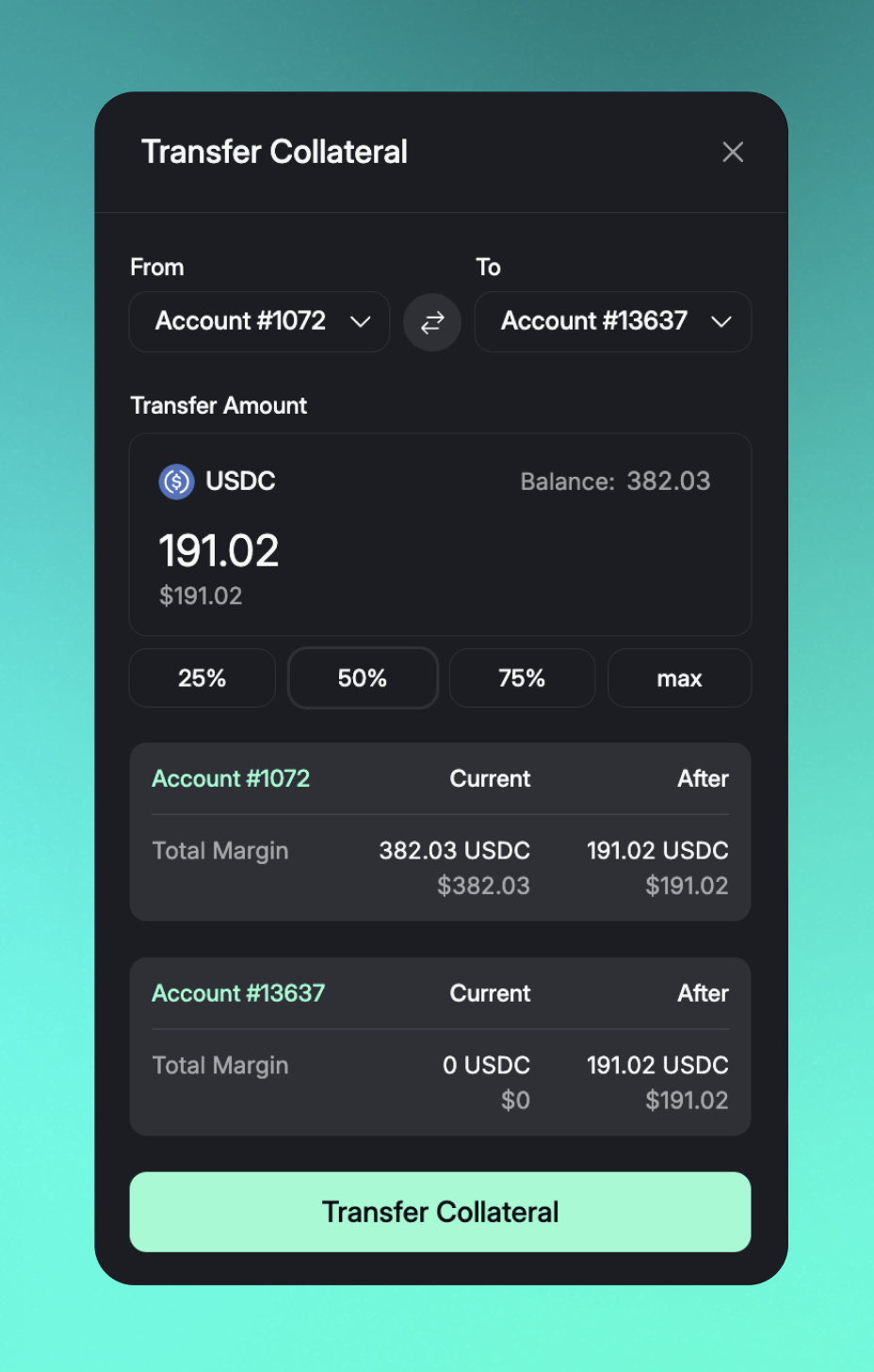
Transfer Collateral
You can also create additional accounts, transfer collateral from one account to another, and even transfer an account to a completely different wallet address if you wish.